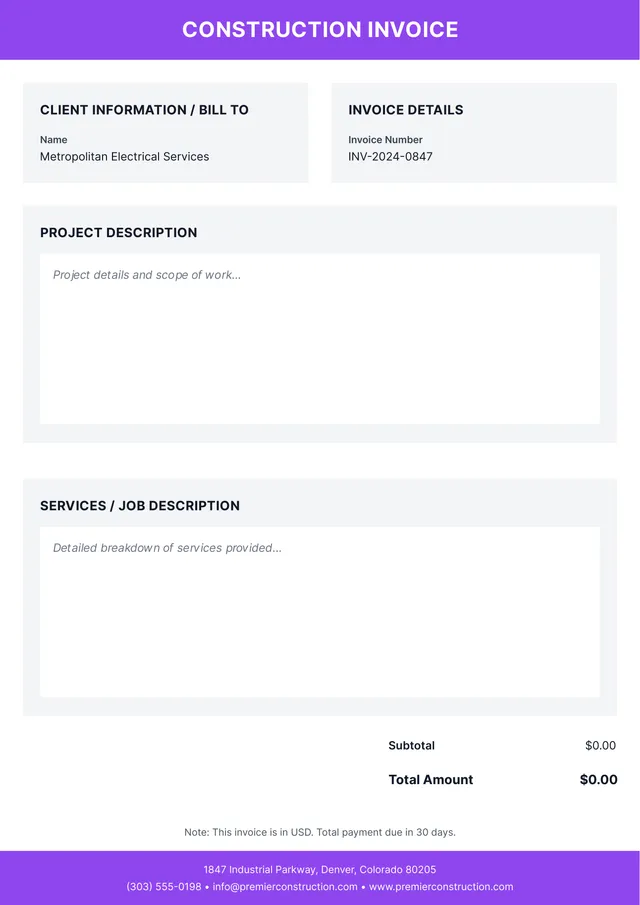
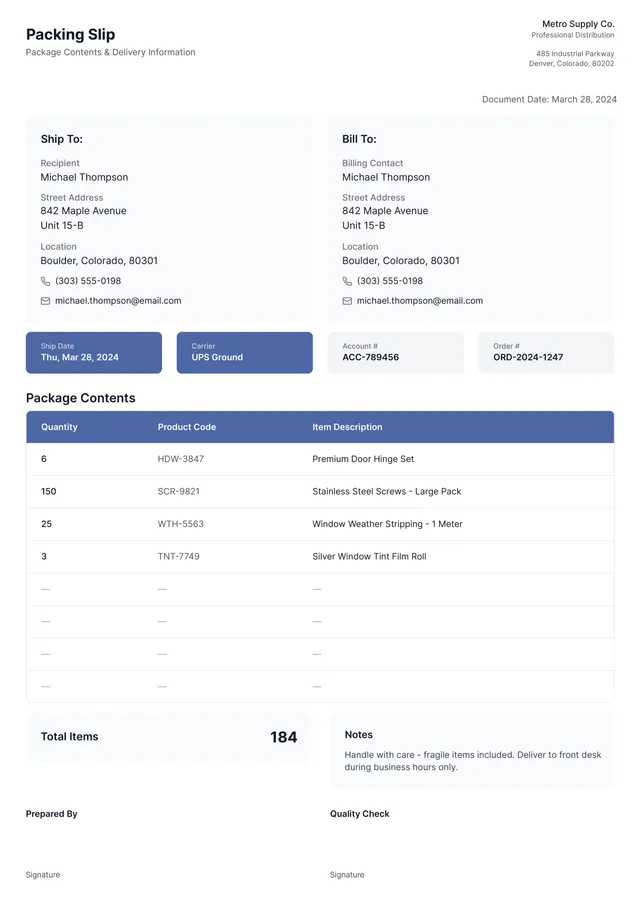
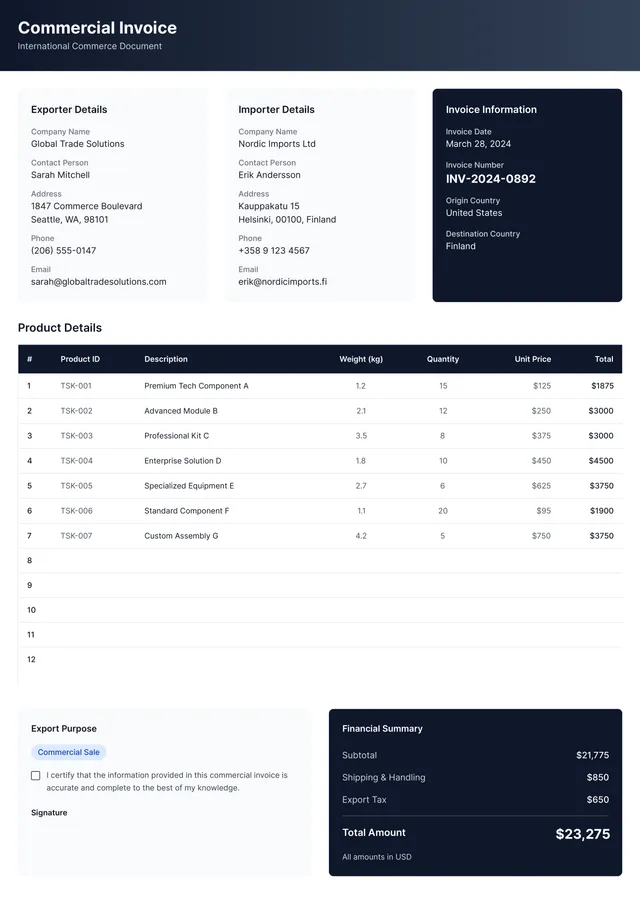
Contractor Invoice Template
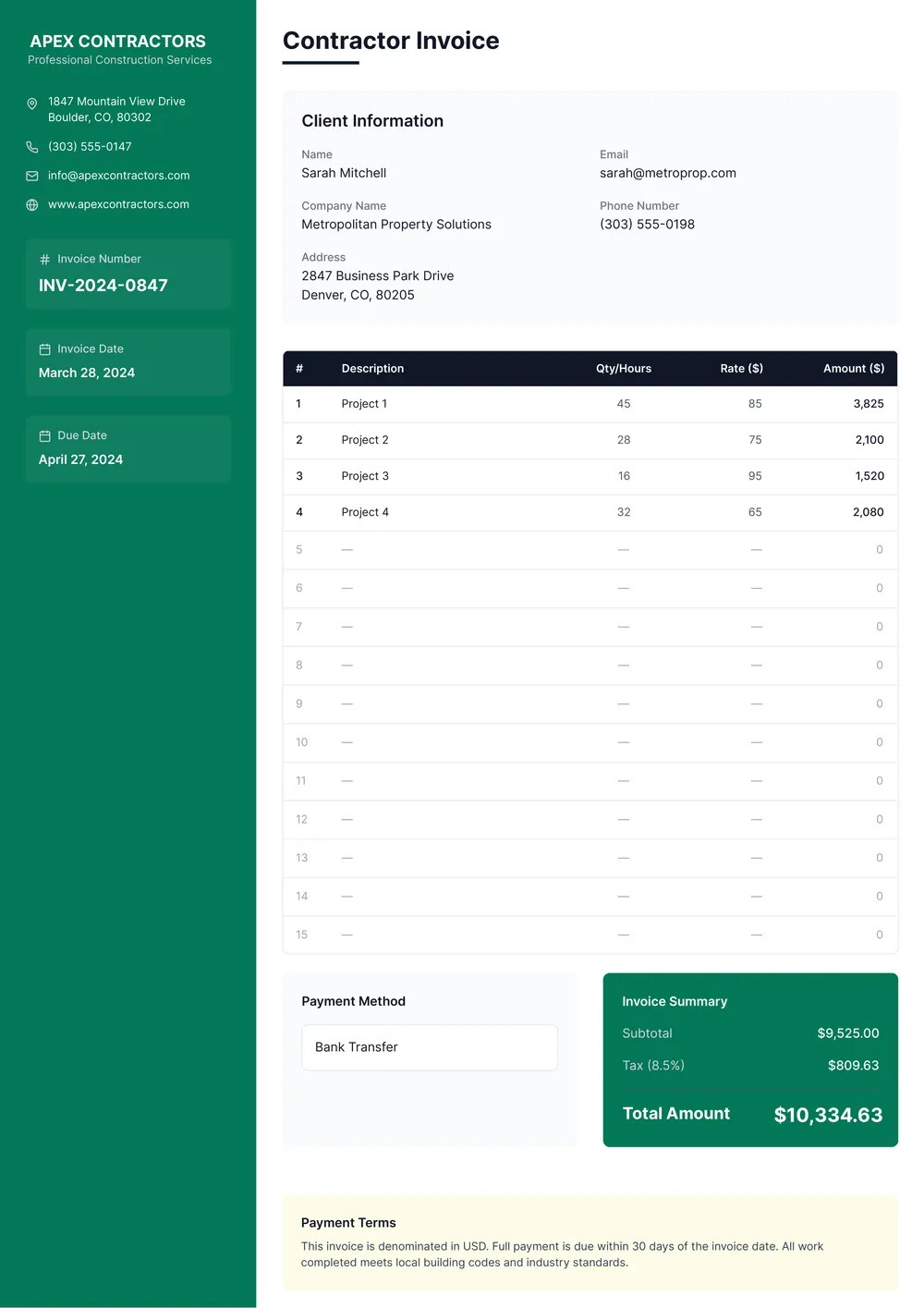
About contractor invoice templates
Managing contractor invoices can be a hassle. You often worry about missing key information, which could lead to payment delays. Our contractor invoice template offers a clear structure that guides you in filling it out. It's designed specifically for your needs, making sure the crucial details are covered. You’ll appreciate the downloadable feature; get ready to send invoices fast and simplify your paperwork.
With our blank contractor invoice template, you won’t have to start from scratch. It takes the headache out of formatting, so you can focus on your work rather than worrying about what to include. Each template sample reflects common fields that contractors need, making it easier for you to collect payment in a timely manner. We’ve analyzed the necessary fields and included them in ours, giving you a solid starting point for your invoicing needs.
Frequently asked questions
What is a contractor invoice template?

A contractor invoice template is a structured document designed to help contractors bill their clients for services rendered. It typically includes crucial details such as the contractor's information, client details, itemized services, costs, payment terms, and an outline of any additional notes or adjustments. This template makes tracking earnings and maintaining accurate financial records much simpler.
When should I use a contractor invoice template?
Knowing when to use a contractor invoice template can help you get paid faster. Here are some situations to consider:
- When completing a project or milestone
- After providing services to a client
- At the end of the month when summarizing completed work
- When needing to itemize your services for record-keeping
- Whenever you want an editable template to save time and effort
What information is included in a contractor invoice template?
A contractor invoice template typically includes the contractor's name and contact details, client's information, invoice number, date of service, itemized list of services, rates, total amount due, payment terms, and a space for notes. You can edit the template to fit your specific project needs.
How to edit a contractor invoice template?
- Click on 'Use Template' for the contractor invoice.
- The blank template will open in the PDF editor.
- Fill in the required fields as needed.
- Review your entries for accuracy.
- Click 'Done' to download your completed invoice.
- Your edited invoice will also be saved in your account for future access.
Who can use a contractor invoice template?
Anyone who works as a contractor, freelancer, or self-employed individual can use a contractor invoice template. This tool is helpful for anyone needing to bill clients for services rendered, including builders, designers, consultants, and writers. It streamlines the invoicing process, making it easier to get paid on time.
Can I export the contractor invoice template to PDF or other formats?
Yes, you can download the contractor invoice template. It's available in various formats, including PDF, Word, Excel, PowerPoint, PNG, and JPG. You can create a printable version from any of these formats, making it easy to share or keep for your records.
How can I make my contractor invoice stand out?
To make your contractor invoice stand out, use a clean layout; add your logo and contact info; highlight important details like payment terms; use clear headings and sections; and choose bold colors that resonate with your brand. Keep it professional; a thoughtful design reflects your quality of work.
What payment methods can I include in my contractor invoice?
When creating your contractor invoice, you can include various payment methods such as checks, bank transfers, credit cards, or payment apps. Clearly list these options so clients know how to pay. Offering multiple methods can make it easier for clients to settle their invoices promptly.