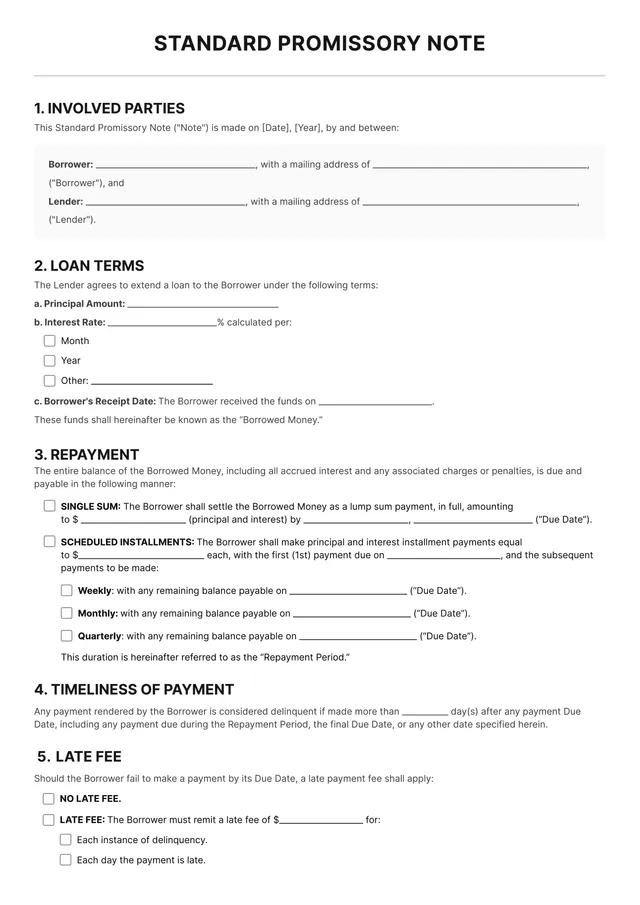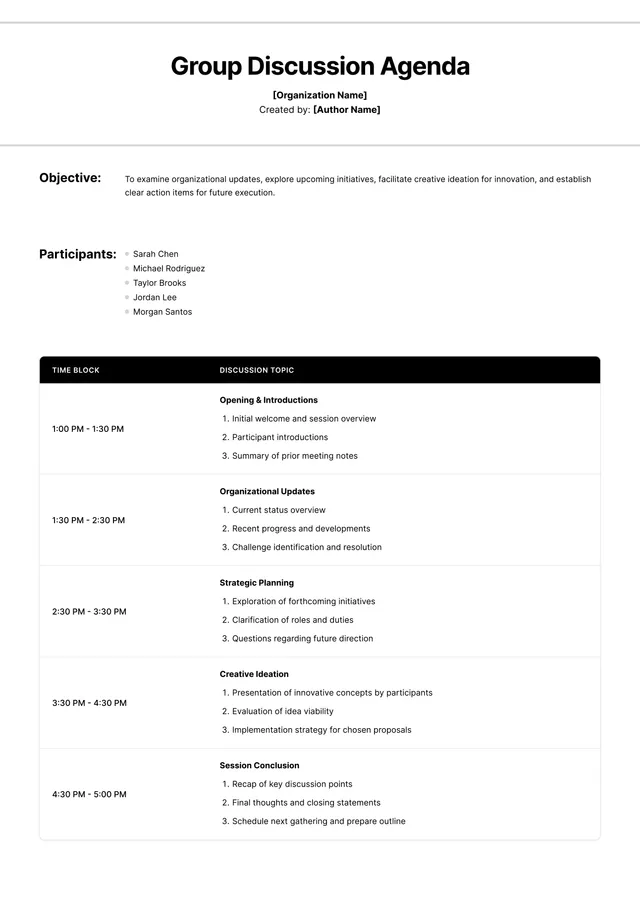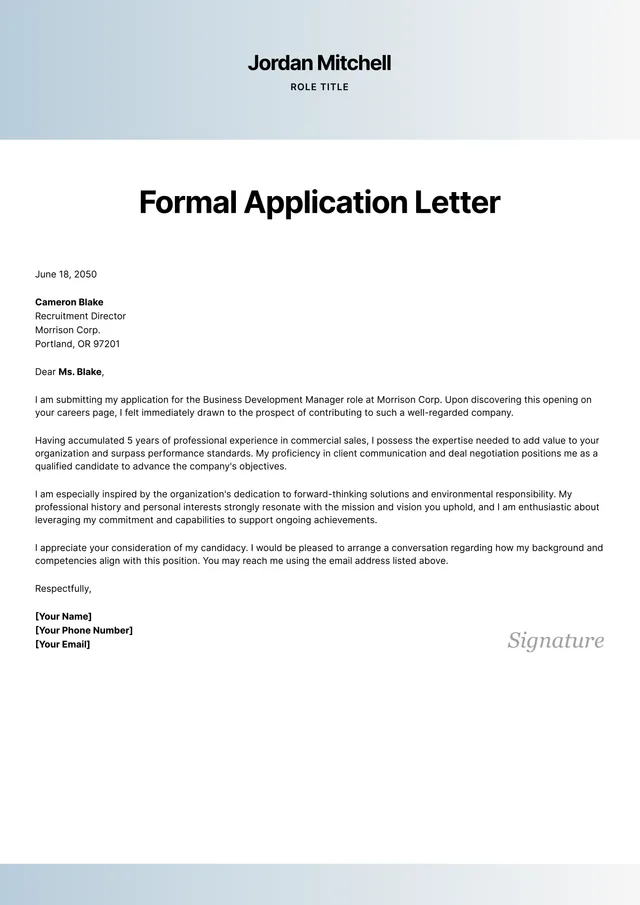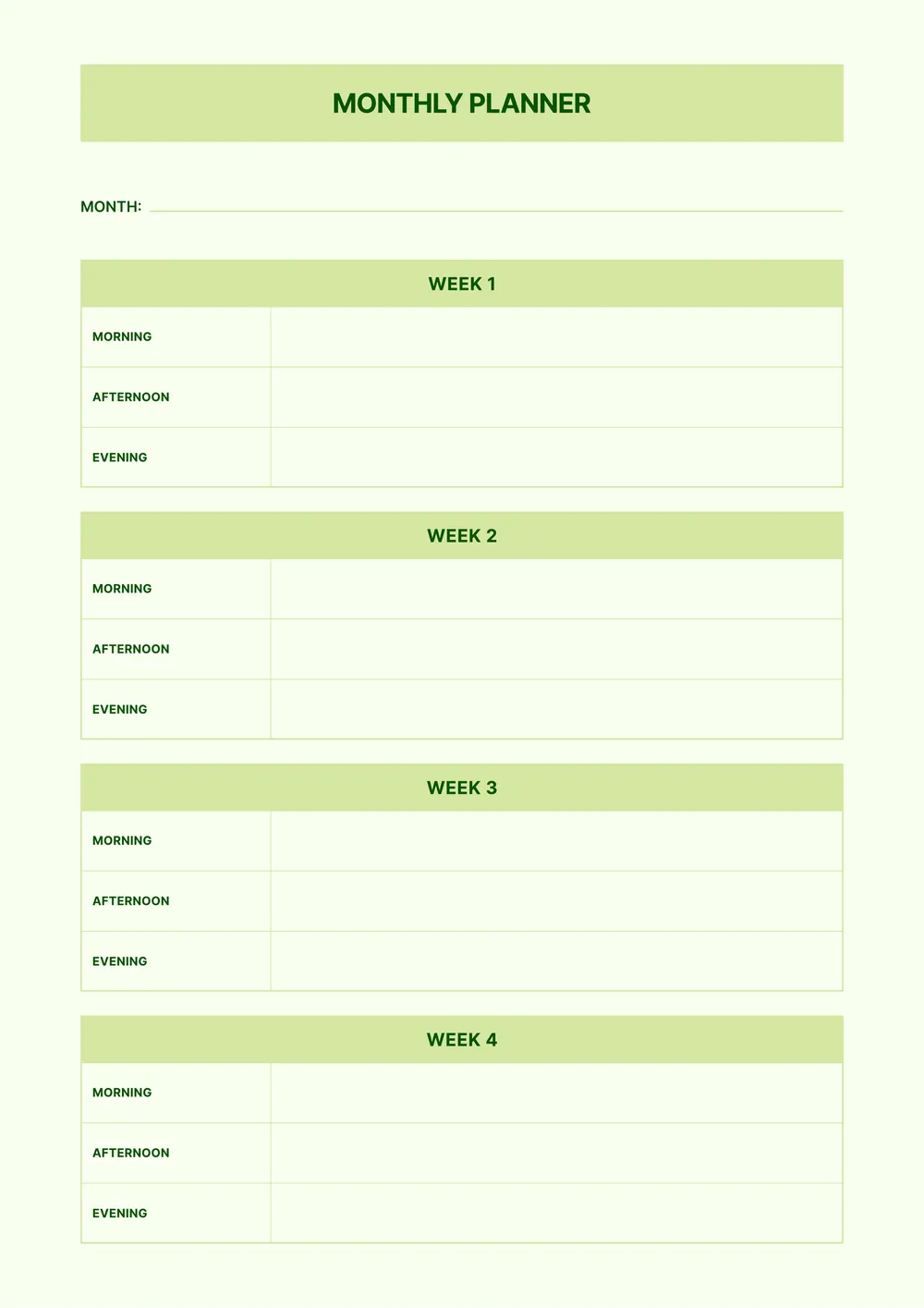
About schedule template
Are you feeling overwhelmed trying to manage your time? Scheduling can be a daunting task, especially with numerous tasks and commitments. Our schedule templates make planning efficient and clear. By providing a blank canvas with helpful placeholders, you can quickly outline your day, week, or month without getting lost in the details.
Finding the right structure is key for staying organized. With our sample scheduling template, you get a practical layout designed for clarity, letting you see your tasks and commitments at a glance. You will love how easy it is to make adjustments and save your completed schedules in your account. We've analyzed the necessary fields and incorporated them in ours, allowing for a tailored experience that speaks directly to your needs.
Frequently asked questions
What is a schedule template?

A schedule template is a customizable document that helps you organize and manage tasks, appointments, or events. It acts as an outline, providing a structured format where you can fill in important details like dates, times, and activities. With this template, you can clearly visualize your commitments and stay on track, making it easier to manage your time effectively.
When should I use a schedule template?
Consider using a schedule template in the following situations:
- At the start of a new month or week, when planning tasks,
- Before important events, like meetings, deadlines, or family gatherings,
- When coordinating schedules among multiple people, to keep everyone on track,
- If you need an editable layout to manage recurring appointments effectively.
What information is included in a schedule template?
A schedule template typically includes dates, times, activities, locations, and participants. You can edit these fields according to your needs to create a personalized schedule. It may also feature notes or agendas to provide additional context for each entry, helping you stay organized and on track.
How to edit a schedule template?
- Click on 'Use Template' to open the schedule template.
- In the PDF editor, find the placeholder fields and start typing to add your information.
- Adjust any relevant details as required, like dates or tasks; there's a lot of room for flexibility.
- Once you're happy with your edits, click 'Done' to download your revised schedule.
- Your edited schedule will also be saved in your account for future access.
Who can use a schedule template?
A schedule template can be useful for students, professionals, parents, and anyone looking to manage their time effectively. Whether you have assignments, meetings, or appointments to track, these templates help keep your life organized. You can create a personalized plan that fits your specific needs.
Can I export a schedule template to PDF or another format?
Yes, you can download the schedule template in various formats, including PDF, Word, Excel, PowerPoint, PNG, and JPG. The PDF version is perfect for creating a printable copy you can easily share or keep for your records.
How can I make the most of my schedule template?
To make the most of your schedule template, start by filling out all key dates, deadlines, and events. Use the editable fields to personalize it. Regularly review and update it to adapt to your changing needs, keeping your planning organized and your tasks on track.
Can I share my schedule template with others?
Yes, you can share your schedule template with others. After editing, simply download your finished template; then, you can email or send the file directly to anyone you choose. Just remember, each person will need their own PDF Guru account to edit the template later on.