Profit and Loss Statement Template
About the profit and loss statement template
A profit and loss statement, also called an income statement or P&L, shows how much revenue your business earned and how much you spent over a set period, usually a month, quarter, or fiscal year. Small business owners, sole proprietors, and freelancers use it for tax filing (Schedule C), loan and SBA applications, investor updates, and month-to-month performance tracking.
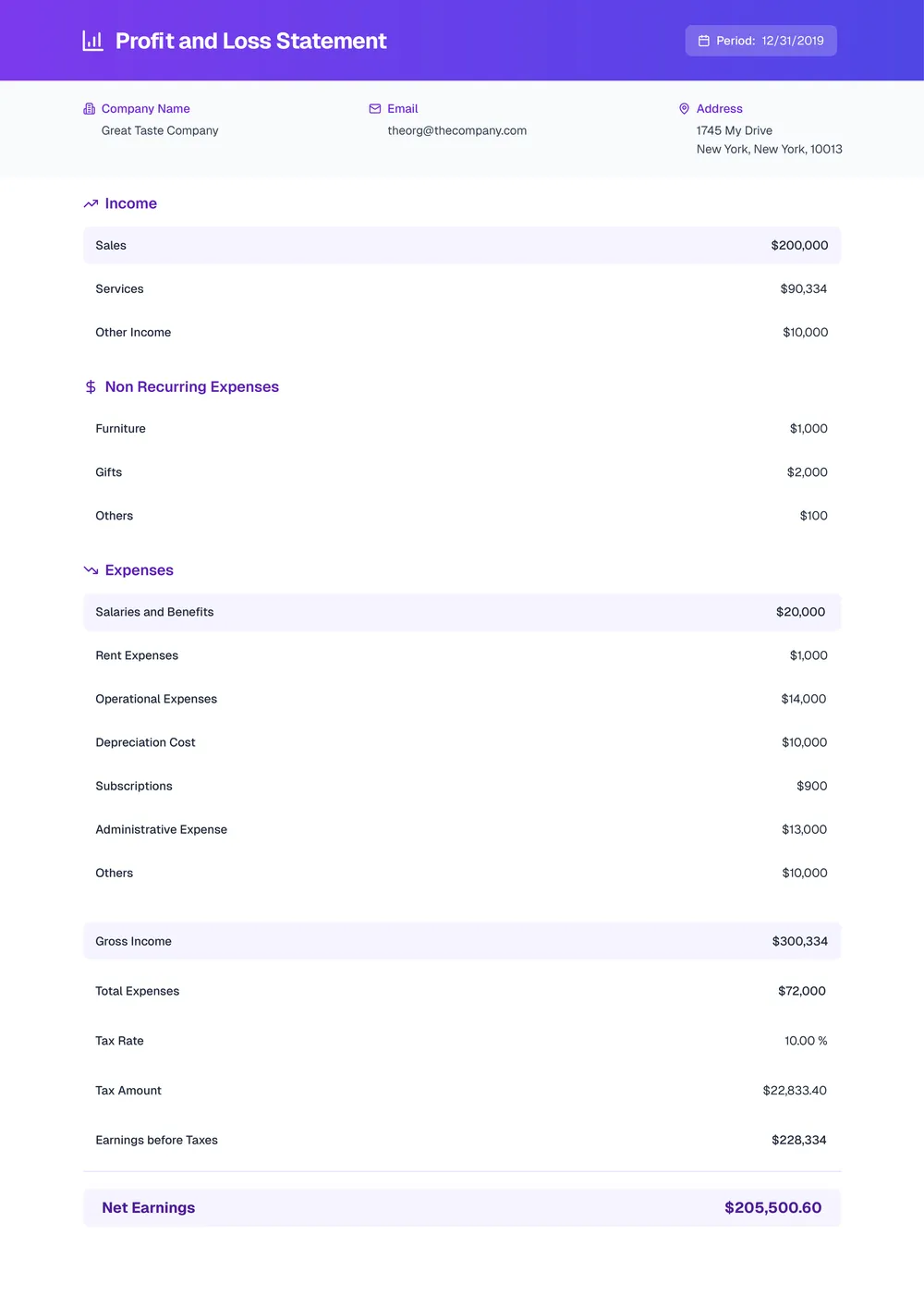
Our template lays out the standard sections (revenue, cost of goods sold, gross profit, operating expenses, net income) and you can add or rename line items, change the currency, and insert your logo directly in the PDF Guru editor.
Frequently asked questions
What does this profit and loss statement template help me track?

This template helps you organize the numbers that usually appear in a P&L: revenue, cost of goods sold, operating expenses, and net income. It is useful when you want one clean document for monthly reviews, internal reporting, or keeping business records in order.
Which parts of the P&L template can I change?
You can change the section labels, add or remove line items, adjust date ranges, and update the company details. That makes the template flexible enough for different business models, from simple freelance income tracking to more detailed small-business statements.
Can I add my own expense categories to this template?
Yes. If your business needs extra rows for software, contractors, rent, subscriptions, travel, or another expense group, you can add them directly in the editor. You can also rename existing rows so the statement matches the way you already track finances.
Can I download this profit and loss statement template in Excel or other formats?
Yes. After editing the file in PDF Guru, you can export the finished template as PDF, DOC, XLSX, PPTX, JPG, or PNG. That gives you one version for sharing, another for continued editing, and another for printing if needed.
How do I fill out and export the profit and loss statement in PDF Guru?
Open the template in the PDF Guru editor, enter your figures, and update the rows so the categories match your business. You can also adjust the layout, add your logo, and review the document before saving. When it is ready, export it in the format that works best for you.